White ink defines DTF quality
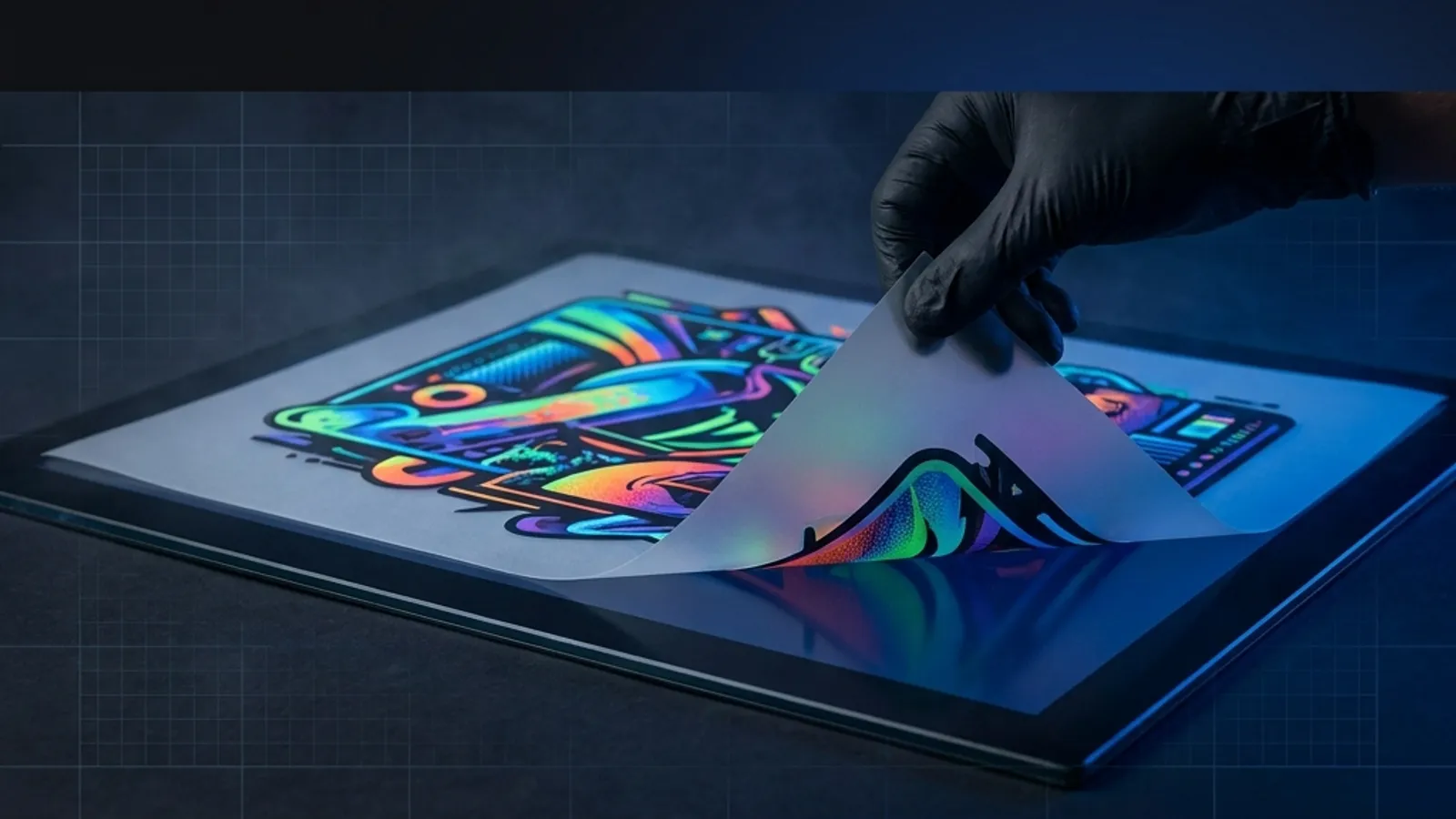
In DTF, white ink is not just another colour: it is the base printed under the CMYK so the design covers the fabric. Without that layer, the colours would mix with the garment's colour and lose strength, especially on dark fabrics.
The amount and density of white determine the opacity and vividness of the whole design. Well-calibrated white gives solid colours and clean edges; too little leaves transparencies and a dull finish.
- White goes under the colour as an opaque base.
- More white density = more vivid colours.
- Without white, dark fabric dulls the design.
Opaque white on dark fabric
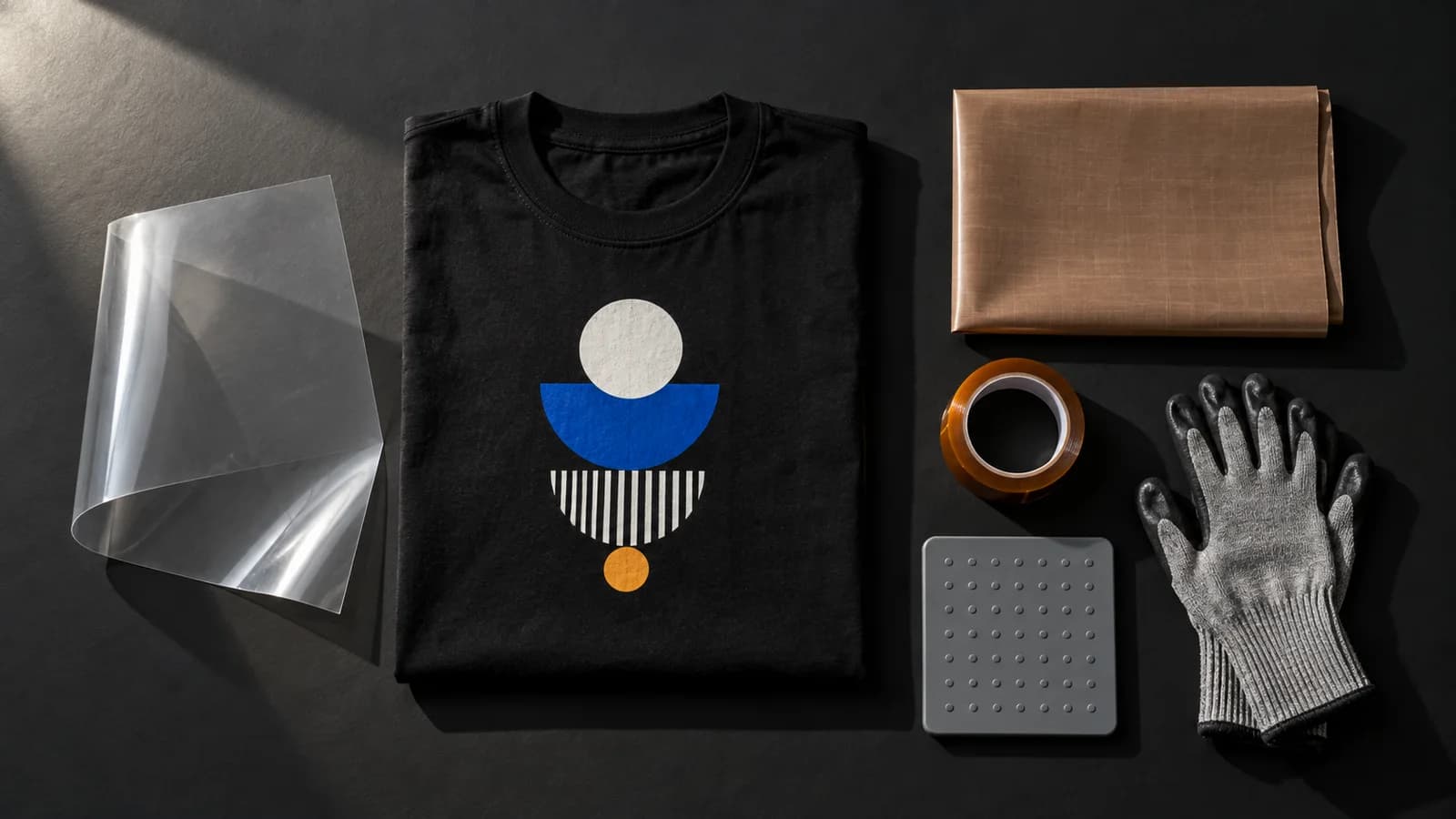
On dark garments, the challenge is for the white to cover without a stiff feel. A well-applied white layer with a good heat press keeps its opacity and survives 50+ washes with correct use.
Pure white areas of the design are the most demanding: they need white at 100 % so they do not look greyish. That is why it is worth defining clearly in the file what is pure white and what is just transparent background.
- Dark fabric needs white at 100 % opacity.
- A good heat press sets the white without cracks.
- Define pure white in the file, do not leave it to chance.
Fluo colours: when they stand out and when they don't
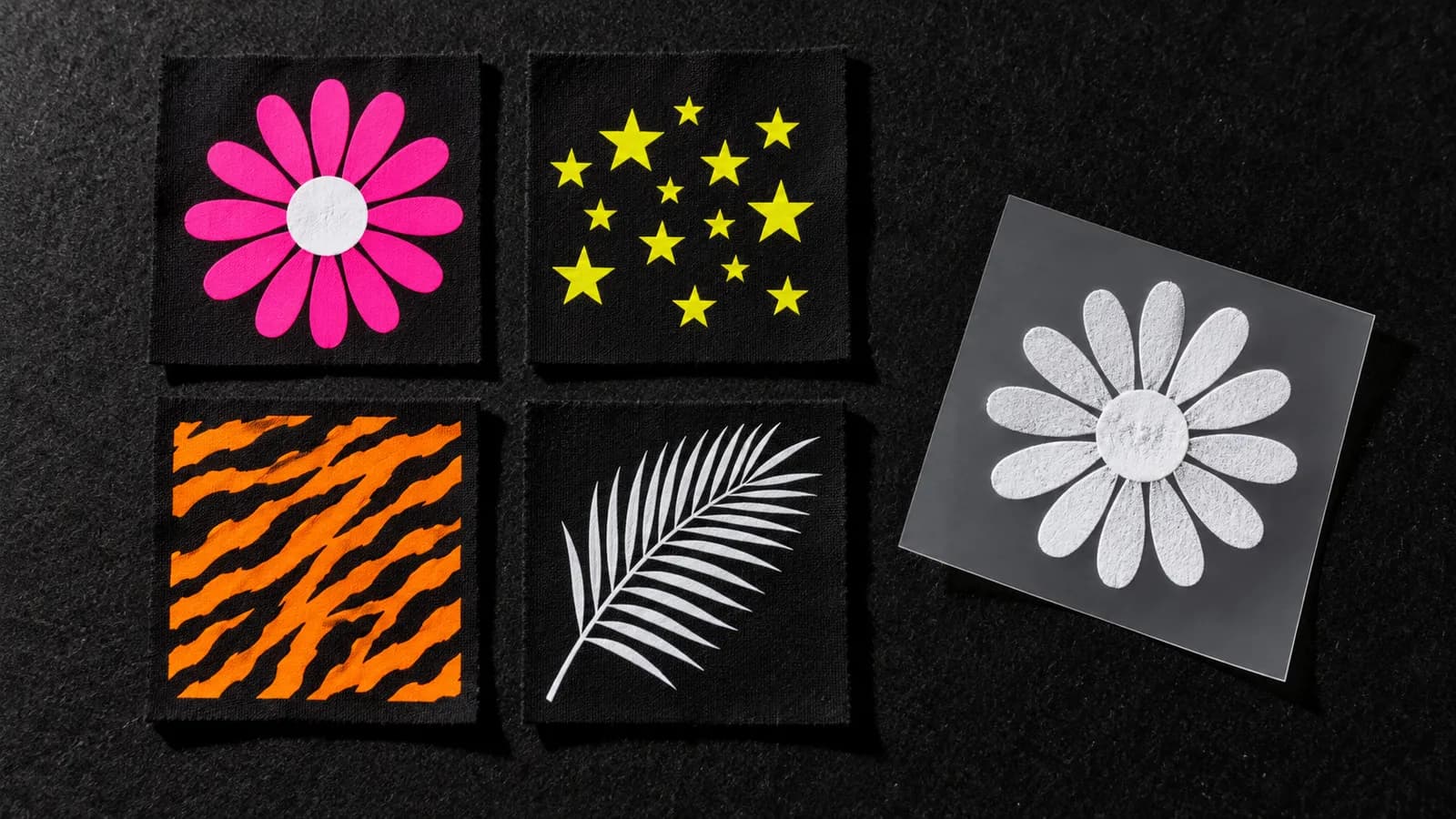
Fluo tones (pink, yellow, green, neon orange) have a glow that grabs attention, but they rely on the white base to look intense. Over a good white layer they perform at their best; directly on dark fabric they go dull.
Standard CMYK does not reproduce true fluo at 100 %: it approximates it. If your brand demands an exact neon, treat it as a visual approximation and favour designs where contrast does the work.
- Fluo looks brighter with a white base underneath.
- On dark fabric without white, neon goes dull.
- CMYK approximates fluo, it does not match it 100 %.
Preparing files with neon or pure white
Always deliver a high-resolution PNG with a transparent background: transparency does not print and outlines your design. Work in RGB for vivid tones and let the printing workflow handle the conversion to CMYK.
For pure white, use real white (255, 255, 255) in the areas that must stay white and reserve transparency only for what you do not want to print. If in doubt, an A4 or A3 sample confirms how your neons come out before you run metres.
- PNG with a transparent background and high resolution.
- Pure white = 255,255,255; transparent = does not print.
- Order an A4 or A3 sample before producing.
Colour limits versus screen printing
Screen printing uses spot inks (including real fluo Pantones) and can match a specific neon mesh by mesh, but it needs screens and long runs to be cost-effective. DTF prints in CMYK + white with no screens, ideal for short runs and full colour.
In practice, DTF wins on flexibility, detail and gradients; screen printing wins on exact fluo and large volumes of the same design. Choose by priority: variety and speed versus a millimetre-perfect neon Pantone.
- Screen printing: exact fluo Pantone, but with screens.
- DTF: full colour and gradients with no minimum runs.
- Critical neon and high volume: consider screen printing.
- Base
- White ink under the CMYK
- Pure white
- RGB 255,255,255
- Fluo
- CMYK approximates, does not match
- File
- High-resolution transparent PNG
- Sample
- A4 or A3 before running metres
- Durability
- 50+ washes well applied